SSC MTS / Havaldar Result 2026 – Soon
Staff Selection Commission (SSC), has announced the release of results for the SSC MTS / Havaldar Examination 2026, featuring a total of 7948 vacancies. A few notable positions include Multi-Tasking Staff and Havaldar. Candidates can now check the result on the official website.
The exam was conducted on 04 February 2026, and the last application date was 24 July 2025. Applicants, aged as per the notification on 01 August 2025, must have paid an application fee of ₹ 100 for the General category. Now, log in with your Enrollment Number, Registration Number, or Date of Birth to view your results.
SSC MTS / Havaldar Result 2026 – Overview
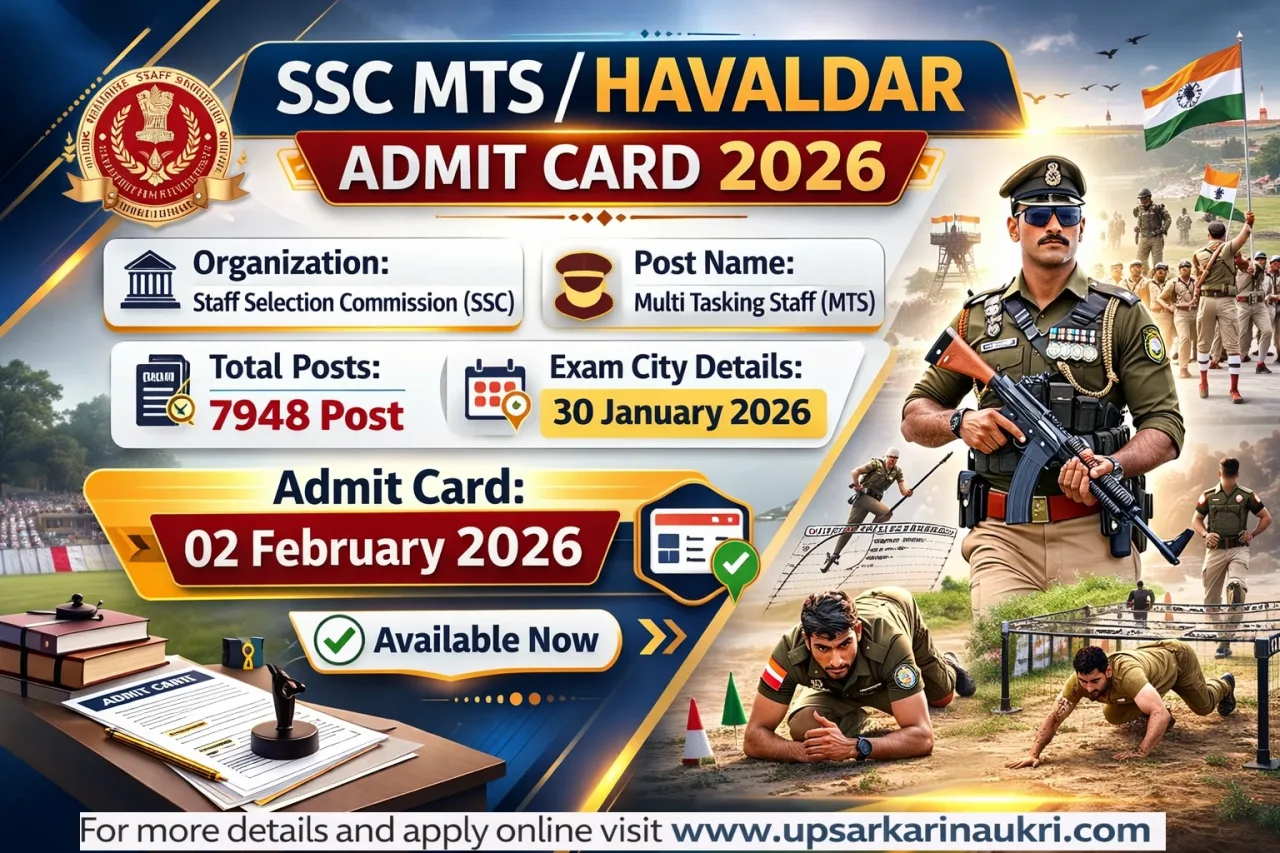
| Organization | Staff Selection Commission (SSC) |
| Post Name | Multi Tasking Staff MTS |
| Total Posts | 7948 Post |
| Apply Start Date | 26 June 2025 |
| Apply Last Date | 24 July 2025 |
| Exam City Details | 30 January 2026 |
| Admit Card | 02 February 2026 |
| Result | Available Soon |
| Article Category | Result |
| Official Website | https://ssc.gov.in/ |
Important Dates
| Event | Date |
|---|---|
| Online Apply Start Date | 26 June 2025 |
| Online Apply Last Date | 24 July 2025 |
| Last Date For Fee Payment | 25 July 2025 |
| Online Correction | 29-31 July 2025 |
| New Correction Date | 04 - 06 August 2025 |
| Self Slot Booking | 16-25 January 2026 |
| Exam Start Date | 04 February 2026 |
| Exam City Details | 30 January 2026 |
| Admit Card | 02 February 2026 |
| Answer Key | 03 March 2026 |
| Result Date | Available Soon |
Application Fee Details
| Category | Fee |
|---|---|
| For General/ OBC/ EWS | ₹ 100/- |
| SC/ ST/ Female | ₹ 0/- |
| PH Candidates | ₹ 0/- |
Payment Mode (Online): Credit Card, Internet Banking, IMPS, Cash Card / Mobile Wallet
📊 Sarkari Result 2026
Age Limit
| Criteria | Age Limit |
|---|---|
| Minimum Age | 18 Years |
| Maximum Age | 25-27 Years |
SSC provides age relaxation for the MTS / Havaldar position as per their regulations.
| Post Name | No. Of Post | Eligibility Criteria |
| Multi Tasking Staff MTS | 6810 |
|
| Havaldar | 1138 |
|
How To Check & Download SSC MTS / Havaldar Result 2026
- Open your browser and go to the "Staff Selection Commission" official website.
- Once the homepage loads, look for the "Results" section.
- Tap on the "MTS" tab to proceed.
- Next, find the "SSC MTS / Havaldar Result 2026" link and click it.
- A PDF file containing the results will open on your screen.
- Use the search function (Ctrl + F) to locate your roll number quickly.
- If your number shows up in the results, congratulations, you've qualified!
- Make sure to download the PDF and print it out for future use.
SSC MTS / Havaldar Recruitment 2025 : Mode Of Selection
- CBT Written Exam
- PET / PST (For Havaldar)
- Document Verification
- Medical Examination
Important Links
| Register For Result | Click Here (Link Activate Soon) |
| Download Answer Key | Click Here |
| Check Answer Key Notice | Click Here |
| Download Admit Card | Click Here |
| Download Exam City Details | Click Here |
| Check Exam City Notice | Click Here |
| Check Application Status | Click Here |
| Online Self Slot Booking Link | Click Here |
| Check Self Slot Booking Notice | Click Here |
| Check Exam Date Notice | Click Here |
| Check Detailed Vacancy Notice | Click Here |
| Online Correction Link | Click Here |
| Apply Online Link | Registration ( | )Login |
| Check Vacancy Details Notice | Click Here |
| Check New Correction Date Notice | Click Here |
| Check Vacancy Increase Notice | Click Here |
| Download Official Notification | Click Here |
| SSC Official Website | Click Here |
Preparation Resources
Recommended Books
See All Books →
![PW All in One RRB Group D Level-1 For 2024-25 Exam | Chapterwise Theory, Short Tricks and Exercises | 15 Previous Year Solved Papers (PYQs) 2018 & 2022 with 15 Practice Sets [Paperback]](https://m.media-amazon.com/images/I/61h9CTFPItL._AC_UY218_.jpg)

Exam Essentials
See All →


Frequently Asked Questions
The Staff Selection Commission (SSC) has released the Result for Multi Tasking Staff MTS. This recruitment is for a total of 7948 Post vacancies.
A total of 7948 Post vacancies have been announced for the Multi Tasking Staff MTS posts under this recruitment.
The application fee is General/ OBC/ EWS: ₹100/-, SC/ ST/ Female: ₹0/-, PH Candidates: ₹0/-. Payment can be made through online mode.
The online application started on 26 June 2025 and the last date to apply was 24 July 2025. Candidates are advised to apply before the deadline to avoid last-minute issues.
The Admit Card status is: 02 February 2026. Candidates can download their admit card by visiting the official website and logging in with their Registration Number and Date of Birth.
The result status is: Available Soon. Candidates can check their result on the official website by entering their Roll Number or Registration Number.
The official website is https://ssc.gov.in/. Candidates can visit this website to check notifications, admit cards, results, and other updates related to this recruitment.
Disclaimer: Information regarding any exam form, results/marks, answer key, and admit cards published on this website is provided for the immediate information of candidates and should not be considered a legal document. While every effort has been made by the UP Sarkari Naukri team to ensure the accuracy of the information provided — including official links and notification details — we are not responsible for any inadvertent errors that may appear in examination results/marks, answer keys, time tables, or admission dates. Additionally, we disclaim any liability for any loss or damage caused by any shortcomings, defects, or inaccuracies in the information available on this website. In case of any correction, please feel free to contact us through our Contact Us page.